
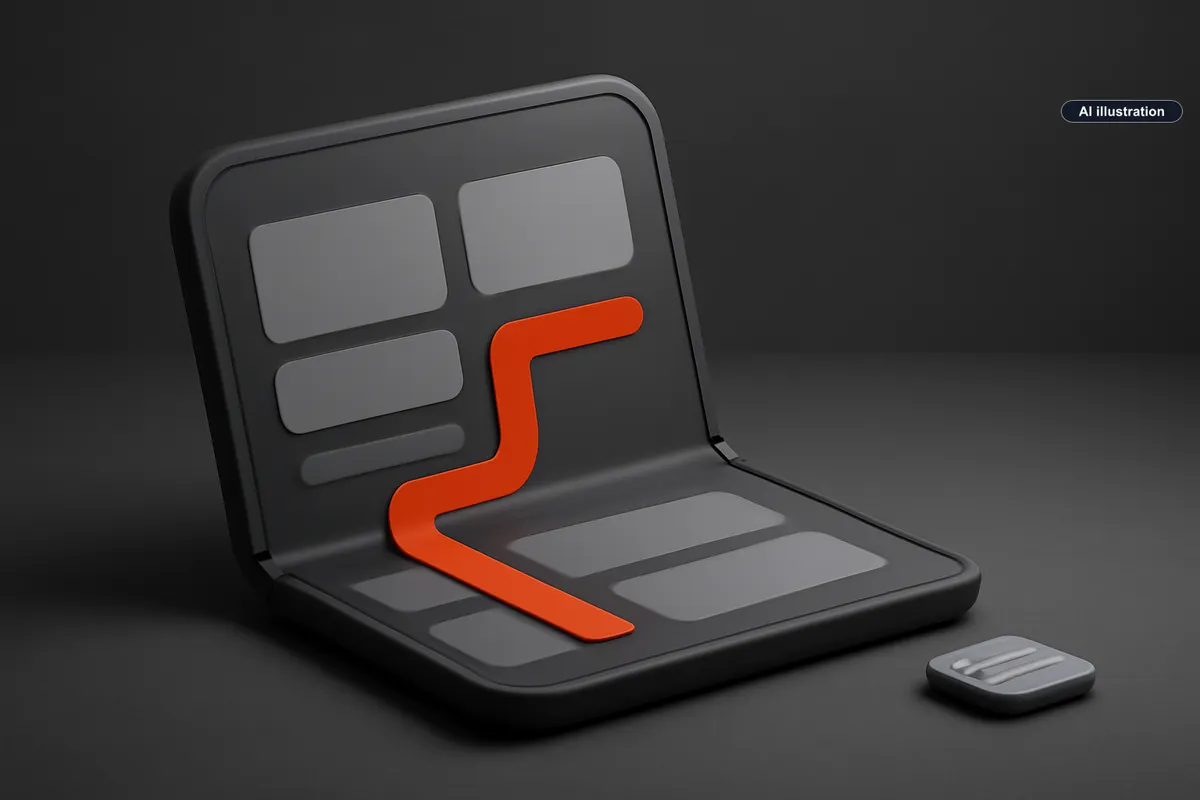
Bitrig says its AI app-building tool can now create iPhone Duo apps and test them in an interactive folding simulator. The September 18 release gives developers a concrete way to explore how an AI-generated interface should behave when a device changes shape, in our editorial assessment.
In its release announcement, Bitrig describes a simulator that can be folded and rotated, live hinge input, layouts for tabletop use and support for showing camera-related content on the outer display. The company says its workflow builds native SwiftUI apps and requires Xcode 27.1 beta plus the iOS 27.1 simulator for this work. NextWith has not tested this release or compared its simulation with physical hardware; all feature descriptions here are attributed to Bitrig.
What changed for AI-assisted app development
We read this as a development-tool announcement; it does not establish the release readiness of generated apps. Bitrig also says developers can manage multiple Xcode versions, using the beta for preparation and switching back to Xcode 27 for release work. Its September 18 post is the release date being discussed here, rather than a new launch on September 22.
9to5Mac covered the update on September 21, placing it in the context of Bitrig's move from an iPhone-based AI coding product to a Mac development workflow. Our focus is the practical testing decision: how to turn a promising generated interface into a small set of observable behaviors that a developer can actually assess.
NextWith's assessment: specify the transition
Our recommendation is to start with one useful task and describe what must survive each change in device position. A prompt that asks for an attractive foldable interface leaves important product decisions unstated. A prompt that says what happens to the current selection, unfinished input and primary action gives the developer something concrete to check.
For example, imagine a hypothetical recipe app. The user chooses a recipe, marks one ingredient and opens a preparation step. If the device changes position, the useful question is whether the same recipe and step remain visible and the user's mark remains intact. A rearranged screen may look polished while still failing that continuity test. This is a proposed evaluation scenario, not a result from testing Bitrig.
A bounded first experiment
Choose one existing screen with a clear repeated use: a reading view, a checklist or a simple media controller. Save the current implementation before experimenting. Define the starting state, the action the person takes and the state that should remain after changing position. Keep private customer data out of the example and use a small synthetic fixture with recognizable values.
Then inspect the same task in several positions, including a partially folded state. Record the visible result for each transition, rather than only collecting screenshots of the best-looking endpoints. Check whether the primary action is still reachable, whether text remains readable and whether the person can understand where to continue. Treat these as acceptance questions for your own app, not as promises that the simulator automatically checks them.
Repeat one transition after entering unfinished text. Repeat another after moving deeper into navigation. These two cases make the experiment more useful than a static layout review: they ask whether the interface preserves work the person has already done. If a failure appears, reduce it to the smallest reproducible sequence before requesting another generated change.
Bitrig's post specifically describes hinge data changing live in the simulator. Our proposed test should therefore include a slow fold, not just an open and closed screenshot. In the recipe example, look for a preparation step that disappears or jumps while the panels move. Save the transition that exposes the failure so a subsequent generated change can be checked against the same sequence. We have not verified the fidelity of that simulation against hardware.
What this release does not establish
The retrieved announcement and coverage do not give us measured defect rates, a comparison of development speed or evidence from our own device testing. We therefore cannot conclude that Bitrig produces more reliable apps than another tool, or that this simulator removes the need for later validation. Those would require a separate test with a defined workload and recorded outcomes.
There is still a sensible reason to investigate the release. For a team already exploring AI-generated interfaces, changing device position creates a precise test of whether the app preserves the user's task. A short, repeatable experiment can reveal a useful improvement or an obvious failure without committing the whole product to a new workflow.
A useful comparison would preserve the original screen as a baseline and apply the same transition sequence to both versions. Record whether each version retains the selected item, unfinished input and navigation position. If the new layout gains space but loses one of those behaviors, document that tradeoff explicitly. This proposed test measures a particular interface change; it does not rank AI coding tools in general.
Choose one screen, define what user state must survive folding, and record the result of that transition before asking the AI to redesign the rest of the app.


